KV Cache Optimization: Strategies for Faster LLM Inference
Swarnava Dutta10 min read
KV Cache Optimization LLMKV Cache Optimization Vllm
Contents
Your LLM's KV cache is quietly consuming 10-30GB of GPU memory per request - and it grows linearly with every token generated. Routine 32K context requests will OOM a cluster provisioned only for weights and activations. The model fits fine. The activations fit fine. But the KV cache? It has other plans.
This article breaks down KV cache optimization for LLM inference: why caches balloon, when quantization makes sense, how offloading actually works, and what production systems like vLLM do to tame this memory beast without sacrificing quality.
Quick answer
KV cache optimization cuts LLM inference memory and raises throughput. One 128K context request on Llama 3 70B needs roughly 40GB of KV cache in FP16. INT8 quantization halves KV cache memory with under 0.1% perplexity degradation, vLLM PagedAttention handles 2-4x more concurrent requests than naive implementations, and H2O eviction drops cache size by 80%+ on many tasks. Offloading to CPU RAM trades latency for context length.
What Is KV Cache and Why Does It Balloon Memory Usage?
During autoregressive generation, transformer attention layers compute key and value projections for every token. Without caching, you'd recompute these projections for the entire sequence at every single generation step. KV cache stores these key-value pairs so you only compute them once.
The memory math is straightforward but brutal:
- Cache size = 2 × num_layers × num_heads × head_dim × sequence_length × batch_size × precision_bytes
For Llama 3 70B with 80 layers, 64 heads, and 128 head dimension, a single 128K context sequence in FP16 requires roughly 40GB just for the KV cache . That's before model weights, activations, or anything else touches your GPU.
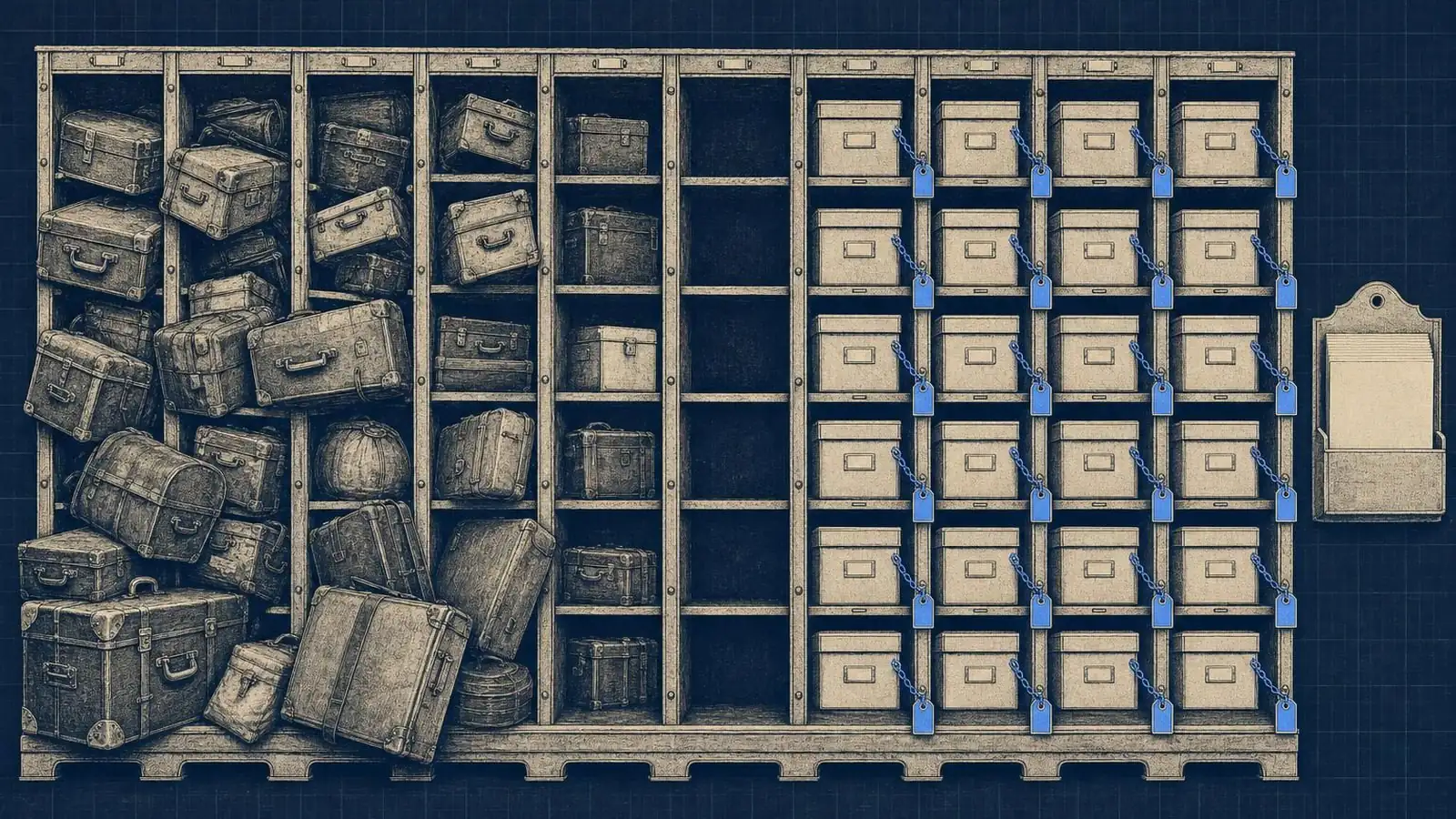
The scaling is what kills you. Double your context length? Double your cache. Double your batch size? Double again. Under sustained load the memory graph climbs in a near perfect diagonal, each new concurrent request adding its predictable slice until the box falls over.
The tradeoff is fundamental: you're trading memory for compute. Without caching, you'd burn quadratic FLOPs recomputing attention. With caching, you burn linear memory storing past computations. Neither is free.
Why KV Cache Is Essential for Efficient LLM Inference
Here's what happens without KV caching: at token 1000 of generation, you recompute attention over all 999 previous tokens. At token 1001, you do it again for 1000 tokens. The compute cost is O(n²) in sequence length - completely untenable for real-time inference.
With KV caching enabled, you get 10-50x speedups in token generation . The first token (prefill) still processes the full prompt, but every subsequent token only computes attention against cached keys and values. One forward pass per token instead of reprocessing everything.
ChatGPT and every other production LLM you've used relies on this. The snappy response times you expect? Impossible without caching. When OpenAI handles millions of concurrent conversations, each maintaining its own KV cache, the memory pressure is astronomical - which is exactly why optimization matters.
The problem isn't whether to cache. You must cache, at least in a transformer, because sequence layers that update one fixed-size state per token never store per-token keys and values in the first place. The problem is managing the memory explosion that comes with it, especially as context windows stretch to 100K+ tokens and users expect multi-turn conversations that accumulate state.
KV Cache Quantization: When and How to Compress
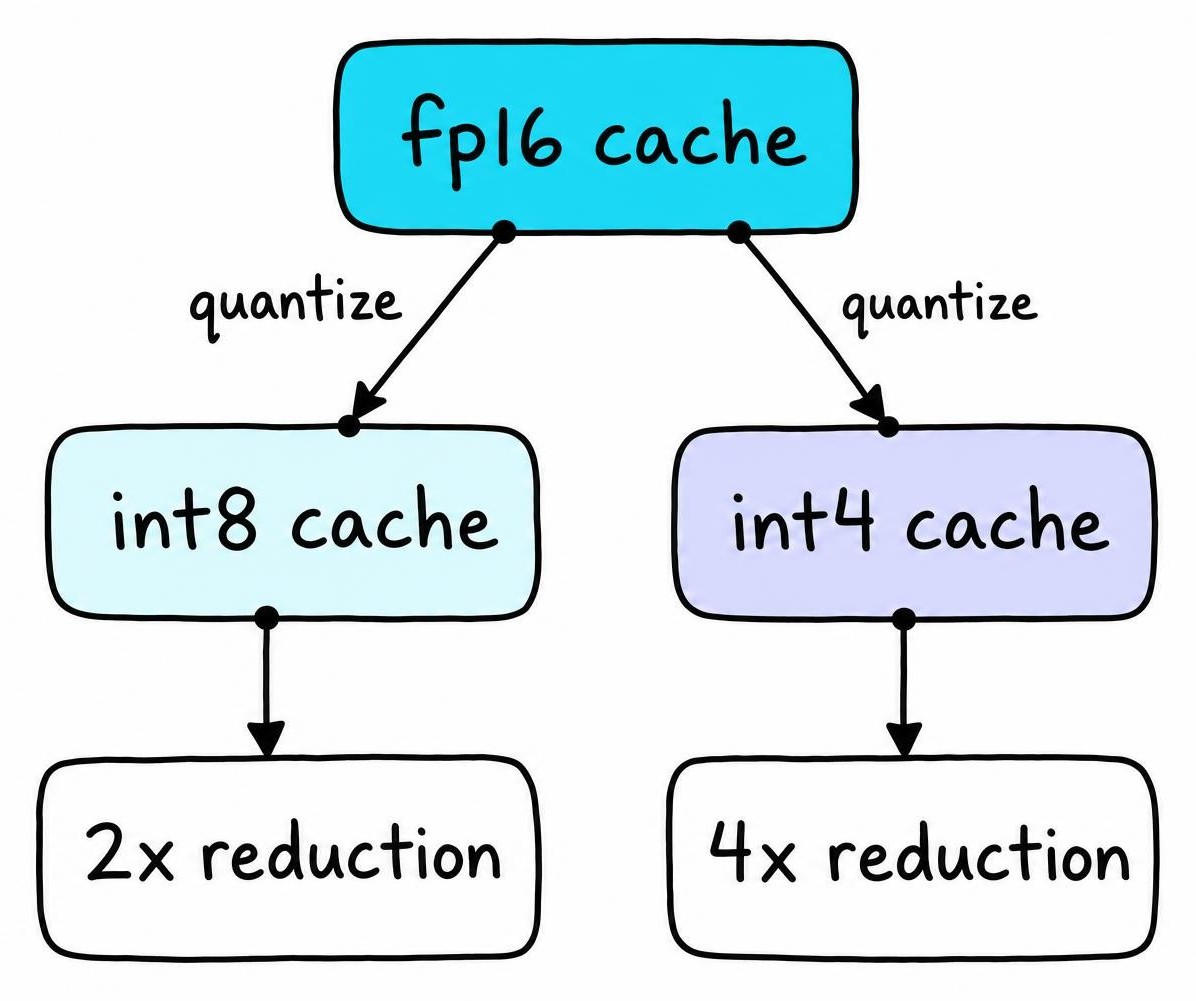
Quantization reduces the precision of cached values - typically from FP16 (2 bytes) to INT8 (1 byte) or INT4 (0.5 bytes). The memory savings are immediate: 2x reduction with INT8, 4x with INT4.
The quality impact is smaller than the memory savings suggest. INT8 KV cache quantization typically shows minimal perplexity degradation - often under 0.1% on standard benchmarks [1]. INT4 gets measurably worse, but for many applications it's still acceptable. For general chat workloads, INT8 caching is usually indistinguishable from FP16 in blind comparison.
When to quantize:
- Memory-constrained deployments where you're fighting for every GB
- Long context windows (32K+) where cache dominates memory
- High-throughput scenarios where you need more concurrent requests
Implementation approaches matter. Per-channel quantization preserves more information than per-tensor but adds overhead. Most frameworks in 2025 support KV cache quantization out of the box - vLLM, TensorRT-LLM, and the Hugging Face transformers cache implementations all offer configuration flags.
The catch: quantization happens at runtime, so you're trading memory for a small compute overhead during the quantize/dequantize steps. For most workloads, this tradeoff is heavily favorable.
KV Cache Offloading: Moving Data Between GPU and CPU
KV cache offloading stores inactive cache layers on CPU RAM (or even NVMe) instead of precious GPU memory. When those layers are needed again, they're transferred back.
This sounds great until you hit PCIe bandwidth limits. A PCIe 4.0 x16 connection gives you roughly 32 GB/s theoretical bandwidth. If you're offloading and fetching 10GB of cache per request, you're looking at 300ms+ of pure transfer time. That reads as a slow model from the outside, which sends people tuning kernels when the bottleneck is data movement, not computation.
Offloading makes sense when:
- Context lengths exceed what fits in GPU memory at any batch size
- Multi-turn conversations accumulate massive state over time
- You're willing to trade latency for the ability to serve requests at all
Smart implementations use prefetching - predicting which layers you'll need and starting the transfer early. Hybrid approaches keep "hot" layers (those accessed frequently during attention) on GPU while pushing "cold" layers to CPU. This works particularly well with the observation that attention patterns often concentrate on recent tokens and a few key early positions.
The decision between offloading and quantization isn't either/or. Quantize first (low overhead, high impact), then add offloading if you're still memory-bound.
Cache Eviction and Compression Strategies
Not all cached tokens matter equally. Eviction policies exploit this by dropping low-value entries entirely.
Attention-score-based pruning tracks which tokens receive high attention weights and evicts the rest. H2O (Heavy Hitter Oracle) formalizes this: keep tokens that consistently attract attention across layers, evict the "light hitters" . This can reduce cache size by 80%+ while maintaining quality on many tasks.
Sliding window attention is simpler: only cache the last N tokens. Mistral models use this natively. It works well for tasks where distant context genuinely doesn't matter, but fails catastrophically when it does.
StreamingLLM combines a small attention sink (the first few tokens) with a sliding window for recent tokens. This enables theoretically infinite context with fixed memory - though you lose access to middle-context information.
Beyond eviction, low-rank approximations compress the cache itself. If your key/value matrices have redundant dimensions, you can project them to a smaller space. Token merging combines similar tokens' cache entries into single representatives.
The danger with aggressive eviction is subtle quality degradation. Your model still generates fluent text, but it loses track of important context. It surfaces as contradictions in long documents and forgotten instructions in multi-turn chats, problems that don't show up in perplexity benchmarks but infuriate users.
How vLLM Implements KV Cache Optimization
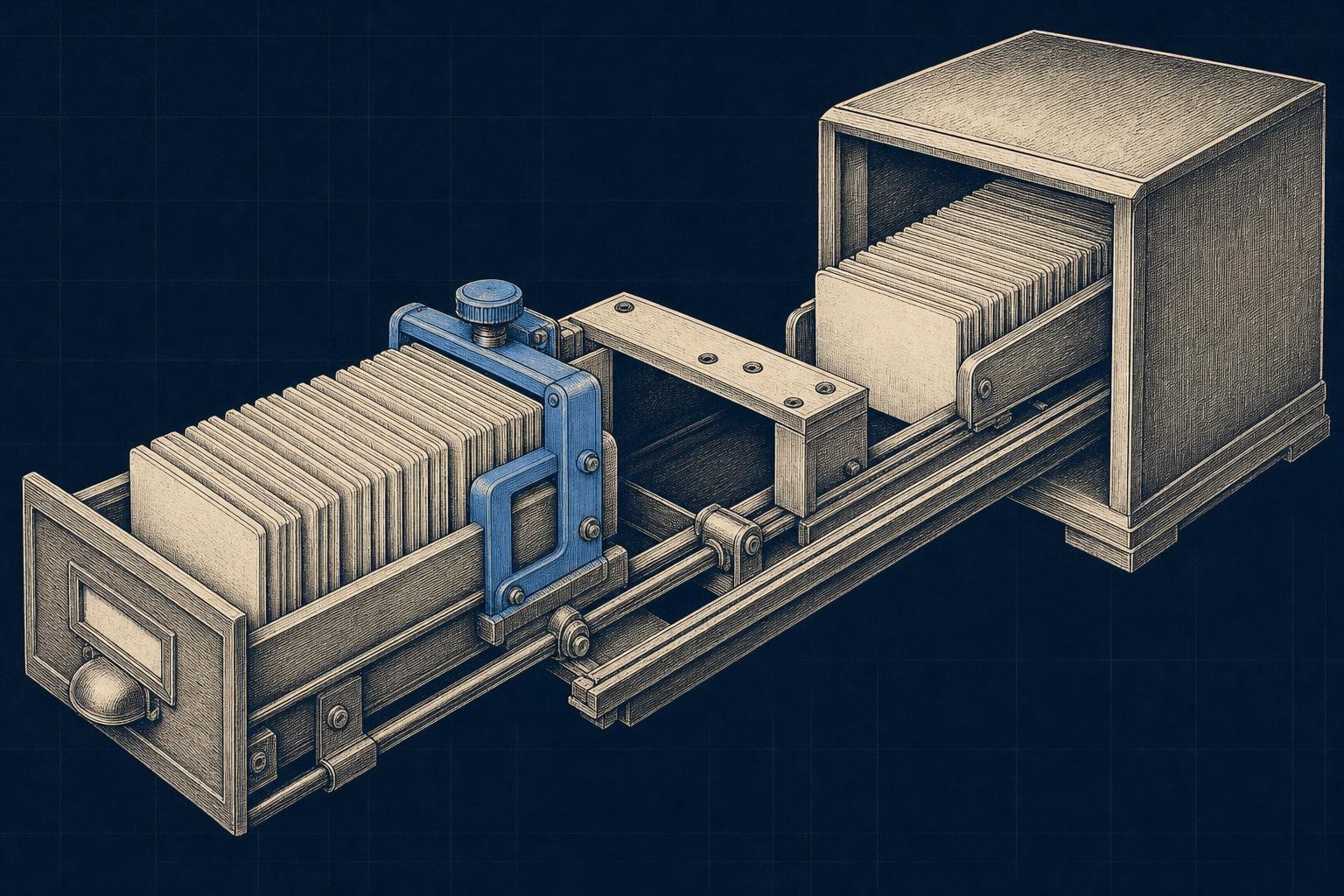
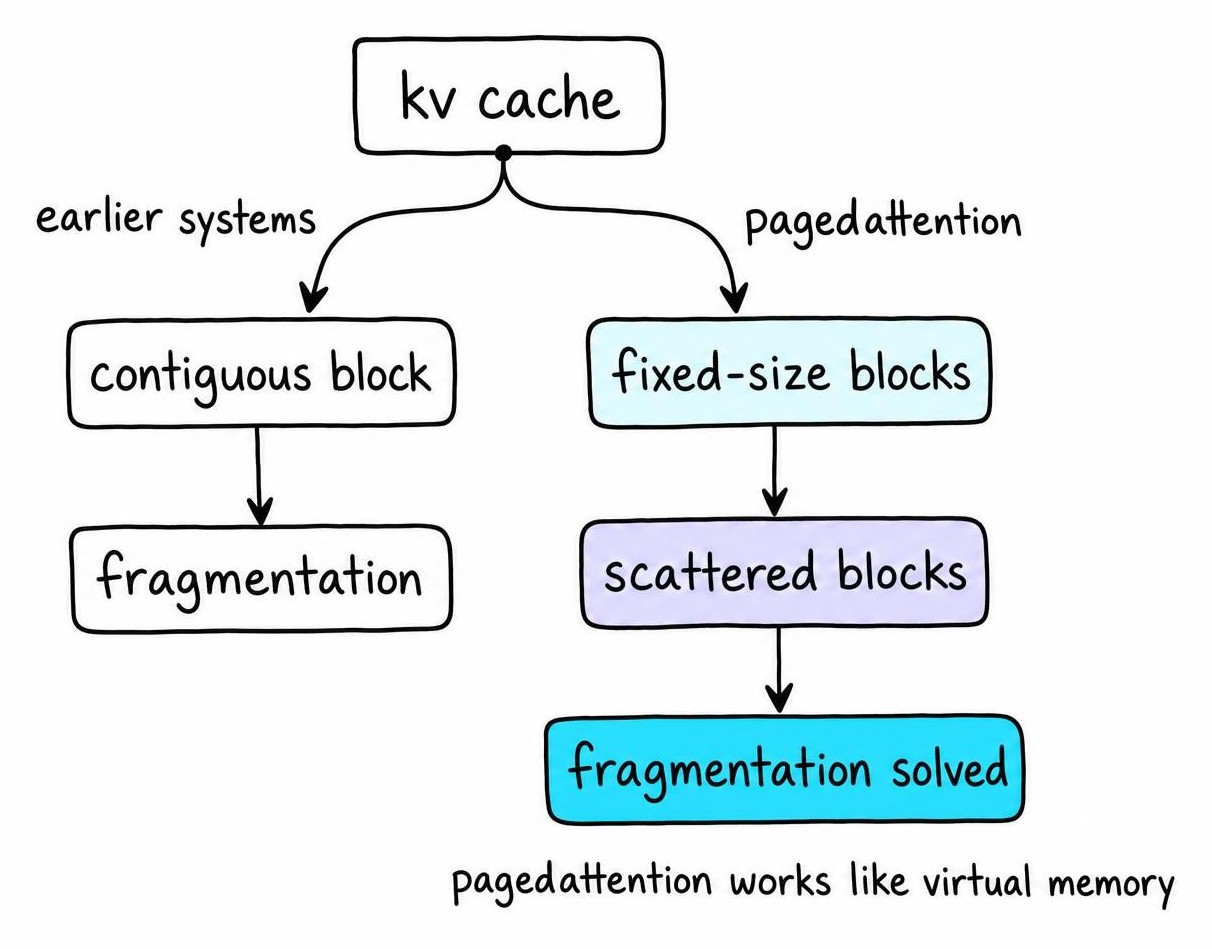
vLLM's PagedAttention treats KV cache like virtual memory: instead of allocating one contiguous block per sequence, it uses small fixed-size blocks that can be scattered across GPU memory.
This solves the fragmentation problem that plagued earlier serving systems. Without paging, you'd reserve worst-case memory for each request (max_sequence_length × cache_per_token). With 10 concurrent requests at 128K max length, you'd need 400GB reserved even if most requests only use 4K tokens. PagedAttention allocates blocks on-demand, so you only use what you need.
The throughput gains are substantial: 2-4x improvement in concurrent request handling compared to naive implementations . Combined with continuous batching (adding new requests to running batches without waiting), vLLM achieves GPU utilization that static batching can't match.
Practical vLLM configuration tips:
- Block size: 16 tokens is the default; smaller blocks reduce waste but add overhead
- KV cache dtype: set to
int8orfp8for quantization - Prefix caching: enable for workloads with shared system prompts
Prefix caching deserves special mention. If 100 requests share the same 2000-token system prompt, vLLM caches that prefix once and reuses it. For API serving with standard instructions, this alone can cut memory usage dramatically. If you're building systems that combine chunked retrieval strategies with LLM generation, prefix caching for your RAG prompt templates is essentially free memory savings.
Choosing the Right KV Cache Strategy for Your Use Case
Different constraints demand different strategies. Here's how I think about the decision:
Edge deployment (limited memory, acceptable latency)
- Aggressive INT4 quantization
- Sliding window or H2O eviction
- Small batch sizes
High-throughput serving (maximize requests per GPU)
- PagedAttention + continuous batching (vLLM or TensorRT-LLM)
- INT8 quantization
- Prefix caching for shared prompts
Long-context applications (100K+ tokens)
- Offloading to CPU with prefetching
- Compression + eviction hybrid
- Consider whether state space models might fit your use case better
Multi-turn conversations (accumulating state)
- Prefix caching for system prompts
- Selective eviction of old turns
- Conversation-aware pruning (keep user instructions, prune filler)
The benchmarking methodology matters as much as the technique. Measure three things together: memory high-water mark, time-to-first-token, and output quality on your specific evaluation suite. Optimizations that tank quality aren't optimizations - they're bugs.
Implementing KV Cache Optimization: A Practical Checklist
Start here:
Profile current usage: Use
torch.cuda.memory_stats()or your framework's profiler. Know your baseline.Identify your constraint: Is it total memory (can't fit the model + cache)? Latency (time-to-first-token too slow)? Throughput (can't serve enough concurrent requests)?
Start low-risk: INT8 quantization and PagedAttention have minimal quality impact. Enable these first. With Flash Attention for the attention computation itself and quantized KV cache, you're already ahead of most deployments.
Measure quality impact: Run your evaluation suite before and after. Perplexity isn't enough - check task-specific metrics and do manual spot-checks.
Layer additional techniques: If still constrained, add eviction or offloading. Each layer adds complexity and potential failure modes.
Common pitfalls:
- Over-aggressive eviction: Looks great in benchmarks, fails on real user queries that reference early context
- Ignoring prefill vs decode: Prefill is compute-bound; decode is memory-bound. Optimize for the right phase.
- Forgetting warmup: First request after a cold start behaves differently. Profile steady-state behavior.
The goal isn't maximum compression - it's finding the sweet spot where memory fits, latency is acceptable, and quality remains high. That sweet spot is different for every deployment.
FAQ
Why is KV cache so large?
KV cache stores key and value tensors for every layer, every attention head, and every token in the sequence. For large models like Llama 3 70B, this means storing billions of parameters worth of intermediate state. The cache grows linearly with sequence length and batch size, so a 128K context request can easily require 40GB+ of memory just for caching.
Should you quantize KV cache?
Yes, for most production deployments. INT8 quantization cuts memory usage in half with minimal quality impact - typically under 0.1% perplexity degradation. INT4 saves more memory but introduces measurable quality loss. Start with INT8 and only go lower if you're still memory-constrained after other optimizations.
Should I offload KV cache to GPU memory?
You should offload KV cache from GPU memory to CPU memory when GPU memory is insufficient for your context lengths or batch sizes. Offloading adds latency due to PCIe transfer times, so it's a tradeoff: you gain the ability to handle longer contexts at the cost of slower generation. Use it when you'd otherwise OOM, not as a default.
Does ChatGPT use KV cache?
Yes. ChatGPT and all production transformer-based LLMs use KV caching. Without it, generating each token would require recomputing attention over the entire conversation history - making real-time responses impossible. OpenAI almost certainly uses sophisticated cache management including prefix caching for system prompts and possibly eviction strategies for very long conversations.
What is KV cache offloading inference?
KV cache offloading inference moves inactive portions of the KV cache from GPU memory to CPU RAM (or NVMe storage) during generation. When those cached values are needed for attention computation, they're transferred back to the GPU. This allows serving longer contexts than would fit in GPU memory alone, at the cost of increased latency from data transfer.
References
- RotateKV: Accurate and Robust 2-Bit KV Cache Quantization for LLMs via Outlier-Aware Adaptive Rotations - Zunhai Su, Zhe Chen, Wang Shen et al. (2025)